
EUR 19. A blunt diagnosis of where your current CV is competitive, where it breaks, and what to fix before the next application wave.
How it works
Use Job Clinic in three steps
- Start with the AI CV Fit Report if you need a direct answer on why your current CV is under-converting.
- If you already have saved CVs and want a job-by-job read, use the CV to JD Check against one real JD.
- If the diagnosis is still not enough, buy the 30-minute call add-on and pressure-test the next changes with a human.
The point is not to collect more advice. The point is to stop guessing what is actually blocking interviews.
Offers
Three ways to use Job Clinic
Paste one JD and compare it against up to three saved CVs. Best for job-specific blocker analysis and fit-gap review.
EUR 59. Use it when you want a human review layer after the report, especially for hard tradeoffs or next-step prioritization.
Review the output style before buying. The report should feel specific, sharp, and decision-oriented.
Language, location, work authorization, hybrid expectations, and recruiter trust signals are part of the diagnosis.
The report product is checked by Oguzcan Unver before delivery so it does not go out as raw model output.
Why it works
What Job Clinic is actually diagnosing
Role fit
Does your current CV make the target role believable in seconds, or does it read too broad, mixed, or unclear?
Proof density
Do your bullets earn the title with scope, outcomes, and operational ownership, or do they stay generic?
Market friction
For Germany-focused roles, are language, location, hybrid fit, and work authorization explicit enough?
False positives
Are you applying to jobs that only feel close because the vocabulary overlaps, even though the underlying proof is too weak?
What you can open now
Use the live diagnosis stack, not a generic toolkit pitch
Open the report landing page and review the sample outputs before buying.
Open the checker to run one JD against saved CVs when your account has access.
Best for job-specific gap analysis and blocker ranking.
Open the resource hub for Germany-specific CV problem pages and role/market guidance.
Buy the 30-minute call add-on if you need a human review layer after the report.
Decision model
When to use which product
1Use the report when the problem is broad
You know results are weak, but you do not yet know whether the real problem is wording, proof, position, or target lane.
2Use the checker when the problem is one job
You have a real JD and want a direct fit review against saved CVs, including blockers, point loss, and what would raise fit.
3Use the call when the decision is still messy
You need a human to pressure-test tradeoffs, prioritization, and what to do next after the diagnosis.
Proof
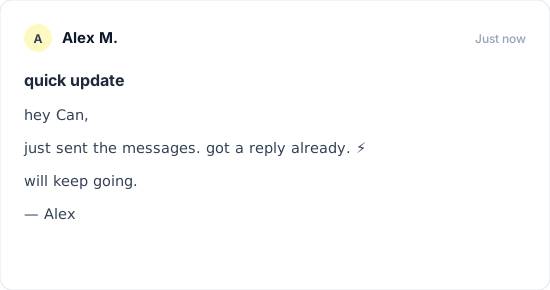
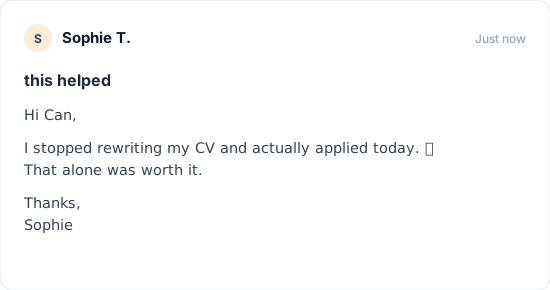
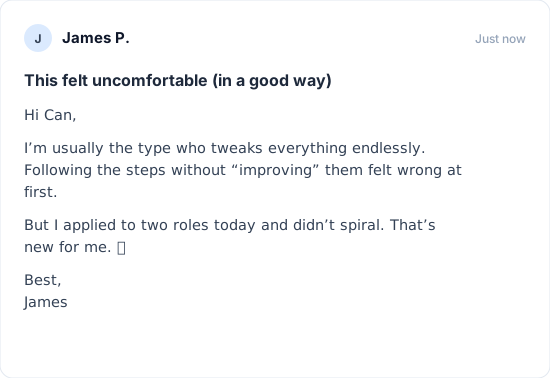
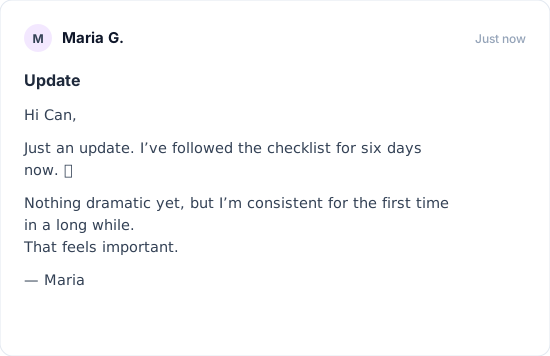
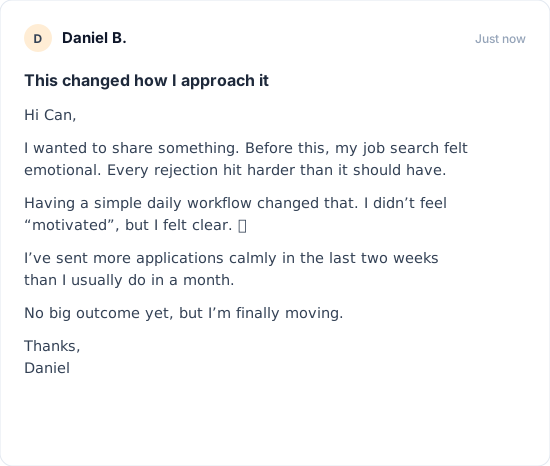
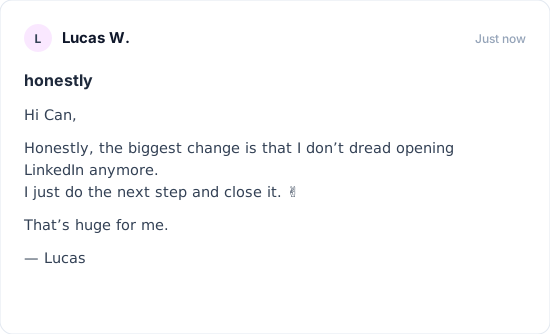
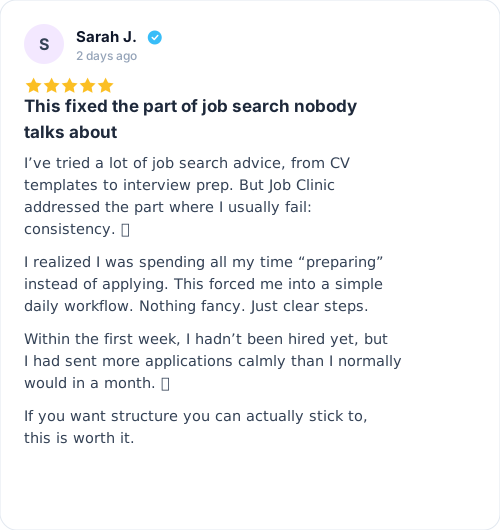
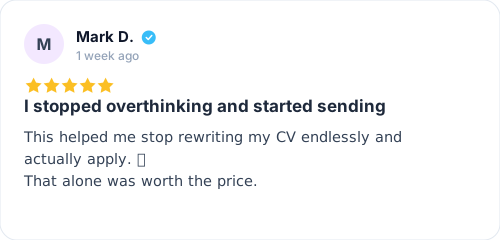
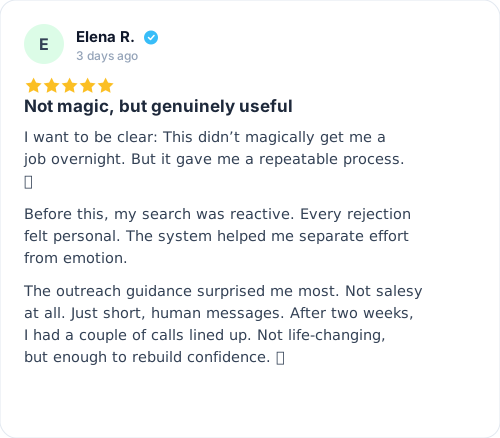
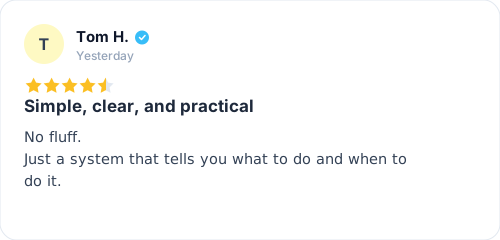
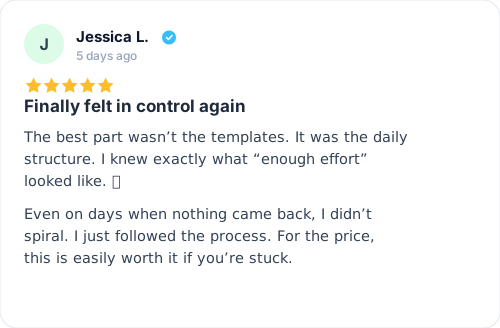
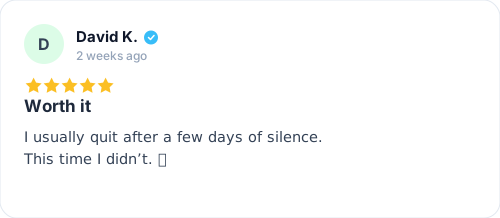
Signals from users applying the system
Anonymized user updates and review snapshots.
Pricing
Start with the lowest-friction diagnosis
EUR 19 AI report
Primary paid entry. One-time purchase. Manual review before delivery.
Call add-on available for EUR 59
Get my CV fit report
CV to JD Check exists as a repeated-use product, but access is currently limited to beta testers and admins.
FAQ
Common questions
What should I buy first?
Start with the AI CV Fit Report unless you already know the exact job description you want to test and your account already has checker access.
Is the CV to JD Check public?
The page is public, but live checker access is currently limited to beta testers and admins through Keycloak roles.
What happens after I buy the report?
You go through checkout, submit your CV and context, and receive a sharp fit diagnosis rather than a generic rewrite.
Is this just AI fluff?
No. The point is to produce a decision, not just nicer wording. The paid report is also checked before delivery.
When should I use the call add-on?
Use it when the diagnosis is clear but the next move is still messy, especially for mixed profiles, lane changes, or Germany-specific tradeoffs.
Support
Need help after purchase?
Email support@job-clinic.com and include your order ID or the exact issue you want reviewed.